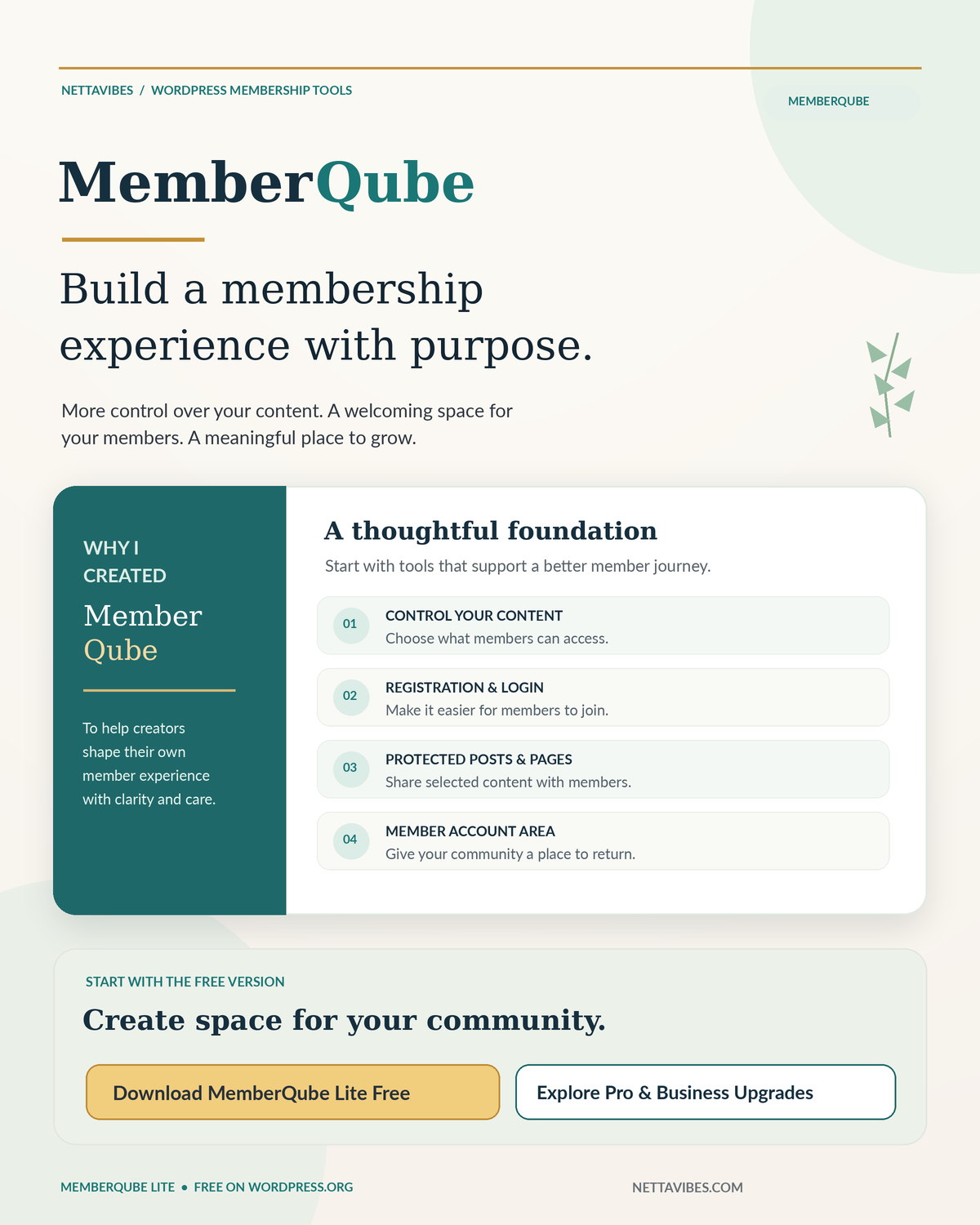
Build a Better Membership Experience: Introducing MemberQube for WordPress
Your members should know where to join, how to sign in, and what content they can access. MemberQube starts with those essentials and offers separately installed tools as your website grows.
Free WordPress plugin · Start with the essentials
Download MemberQube Lite — $0
Create member registration, login, account pages and basic members-only content controls. Lite is free to use without a required upgrade. Download from the official WordPress.org plugin directory.
Need more than Lite? Your next step is here.
Explore MemberQube Pro for named access levels and selective premium content, or MemberQube Business for those same features plus team organization and member CSV exports. Lite remains the free foundation. Review the current product terms before choosing a paid edition.
01 / The business problem
What makes a membership area useful to real people?
A registration form is only the beginning of a member experience. Visitors also need to understand what happens next: where they log in, whether they can manage their basic account information, and why a particular page is available or restricted.
For an independent creator, publisher, educator, or small community, that clarity matters. A confusing member flow can create support requests even when the underlying content is excellent. A clear entry point and predictable permissions help a website owner build trust through ordinary, repeatable interactions.
MemberQube is a WordPress plugin family, not the NettaVibes Prime reading and creative membership. If you are looking for NettaVibes member experiences rather than website software, visit the NettaVibes Prime Membership page.
02 / A note from the creator
Why I created MemberQube: more ownership, clearer choices, and a better place for your members
“You should have a meaningful say in how your content is shared, how your members are welcomed, and how your community grows.”
I created MemberQube because I believe the people who build websites deserve tools that help them organize the experience they want to offer. A blogger may begin with a handful of articles. A teacher may have a small collection of lessons. A creator may be preparing exclusive resources, and a business owner may want to build a place where customers can return for information that matters to them. Each of these projects starts with a simple question: how do I create a membership area that is useful, understandable, and mine to manage?
One of my most important reasons was the desire for greater control over content and privacy decisions. Not every article, download, lesson, or page belongs in the same public space. Some things should remain open for everyone to discover; others can be offered to registered members. With a WordPress-based membership area, a site owner can make more deliberate choices about which content is visible and which content is restricted. MemberQube Lite provides a basic starting point for those choices. It also uses the site’s standard WordPress account system and does not send its own usage telemetry to an outside service. That is an important design principle, though maintaining privacy and security still depends on the website owner’s hosting, settings, policies, and other plugins.
I also wanted to help publishers recognize premium content that they intentionally select for a particular membership audience. Imagine having a public article that introduces an idea, while a deeper guide or selected resource is reserved for members. Or imagine organizing future offerings for a group you name “Prime.” The aim is not to hide everything; it is to give readers a clear reason to join and a respectful understanding of what their membership provides. Lite supports basic member-only protection, while the separate Pro edition is designed for more specific membership levels and access rules. A paid purchase must still be verified through a properly configured payment and access system; MemberQube Lite does not automatically process subscriptions or establish paid Prime eligibility.
Another reason I created MemberQube is that a resourceful membership area should be more than a login screen. It can become a thoughtful home for relevant articles, helpful downloads, educational materials, creative tools, announcements, and information members want to revisit. It should make sense to someone visiting for the first time and to someone returning months later. That means simple navigation, clear account access, appropriate permissions, and a feeling that each resource has a purpose. I wanted small website owners to have a place to begin building that foundation, without needing an elaborate system on day one.
Most of all, MemberQube reflects my belief that independent creators should be able to start small and still think ambitiously. You do not need a massive audience to care about a professional member experience. You can begin with the free Lite version, learn how people use your site, listen to their needs, and expand only when the added capabilities would be genuinely useful. That approach respects your time, your budget, your content, and your audience. My hope is that MemberQube encourages more people to turn their experience, ideas, and knowledge into a membership space they feel confident sharing with others.
Control your content
Choose what stays public, what becomes member-only, and how readers encounter your resources.
Make premium distinctions clear
Plan selected benefits for named membership levels, with suitable access rules and payment checks.
Build a useful destination
Give your community a consistent place to return for information, tools, and organized content.
Ready to explore the foundation? Download MemberQube Lite free on WordPress.org, or review the edition overview to decide whether additional controls fit your plans.
03 / Choose deliberately
MemberQube Lite, Pro, and Business: what is different?
The editions serve different stages of WordPress membership management. Lite does not expire or become unusable without an upgrade. Pro and Business are independently installed premium editions; Business already includes Pro’s capabilities, and both rely on Lite for the foundational member pages.
MemberQube Lite
For a straightforward free-member area without coding.
- Front-end registration and login
- Member account and display-name editing
- Join, Login, Account, and Plans pages
- Whole-post and section-level member protection
MemberQube Pro
For owners who need more control over who sees what.
- Multiple membership levels
- Manual member-level assignments
- Content access rules
- Member search, basic reports, and branding tools
MemberQube Business
For groups that need administrative organization.
- Pro membership controls included
- Administrative team creation and assignments
- Team member counts
- Member CSV export
| Capability | Lite | Pro | Business |
|---|---|---|---|
| Member registration & account | Included | Via Lite | Via Lite |
| Basic protected content | Included | Included | Included |
| Custom access levels | — | Included | Included |
| Manual access assignment | — | Included | Included |
| Administrative teams & CSV export | — | — | Included |
Current MemberQube overview describes Pro at $3.99 every 30 days and Business at $7.99 every 30 days. These are separate proposed software offers; confirm current checkout and fulfillment availability on the official site before purchasing. The free Lite version is available on WordPress.org now.
04 / Practical implementation
How to create a clear member journey in WordPress
Begin with the minimum features your members need. Before changing any existing membership system, make a complete website backup and test conflicts and access rules on staging.
- Install the free foundation. Open MemberQube Lite on WordPress.org, install it in WordPress, then activate it.
- Review the admin setup guidance. Open MemberQube in the WordPress admin sidebar. Enable visitor registration in WordPress Settings > General > Membership if public sign-ups are appropriate for your site.
- Check your member pages. Review the automatically created Join, Member Login, Member Account, and Plans pages. Add only the pages you want publicly visible to your navigation.
- Protect content deliberately. Use the MemberQube Access control for an entire post or page, or the shortcode
[memberqube_members_only]Your private content[/memberqube_members_only]for selected sections. Confirm that excerpts and restricted content do not leak to visitors. - Test as a visitor and a member. Use a separate test account, sign out, and confirm that registration, login, logout, member permissions, and restricted-page messages behave as expected.
- Expand only when useful. If you need several member levels, investigate Pro; if you additionally need team organization and CSV reports, investigate Business. Test upgrades and migrations before production use.
05 / Reference center
Useful links for installation, comparison, and support
A strong plugin experience includes documentation as well as features. These links lead to the official free release, edition information, product guidance, and contact resources.
Give your community a place that makes sense.
Start with the core member experience. A clean registration path, sensible access decisions, and clear help resources are practical foundations for a growing WordPress site.
Questions about the software? Visit MemberQube Help or email info@nettavibes.com.