Do I have enough materials?
Review item quantities, reorder points and suppliers before you begin a new batch.
MAKERFOUNDRY · INVENTORY, PRODUCTION & BUSINESS MANAGEMENT SOFTWARE
Know what you have. Understand what it costs. Plan what comes next. MakerFoundry helps independent makers bring materials, small-batch production, purchasing, orders and business records into one practical workspace.
60 purpose-built templates · 5 themes · Offline browser + WordPress editions
MORE THAN A COLLECTION OF FORMS
Creating something people love involves much more than making it. It's also checking material stock, adjusting costs, documenting production, recording expenses and making sure orders can be fulfilled. MakerFoundry gives those responsibilities a more consistent place to live.
Review item quantities, reorder points and suppliers before you begin a new batch.
Break down components, labor and overhead instead of relying only on guesswork.
See batches, outstanding orders, purchasing information and selected business insights in one workflow.
A WORKSPACE WITH A PURPOSE
Move from the work you are planning to the records you need, rather than starting over with a different generic document.
Monitor item quantities, unit costs, supplier references, reorder points and stock movements.
Document the materials in a product, include labor and overhead, and review estimated unit cost and price contribution.
Plan batches, check material readiness, record completed quantities and track stock movements associated with production.
Keep supplier contacts and purchasing details easier to find when sourcing or following up.
Track customer orders, fulfillment and recorded cost summaries while reviewing available inventory.
Save receipt records and photos, review merchant and tax details, and export organized CSV reports.
YOUR BONUS RESOURCE LIBRARY
These are more than matching sheets with different titles. Each file is shaped by its task: a stocktake differs from a count reconciliation; a refund differs from an order; a dispatch label differs from a product-care label.
Record supplier, purchased items, quantities, tax and payment details for a clear purchasing record.
Review the original order, returned quantities and condition, deductions and refund approval.
Record hands-on counts and recounts before finalizing verified inventory quantities.
Compare recorded balances against counted quantities and document variance review.
Choose your format: 25 interactive HTML forms can be completed and saved as filled or blank editable copies, with print/PDF support. The 35 Excel workbooks are editable blank masters to complete and save in a spreadsheet application. Starter resources and documentation are included too.
TWO WAYS TO WORK
Extract the downloaded ZIP on a compatible computer and open the included browser application. Designed for local work with manual backups and restore options.
Not an EXE/MSI desktop installer · No automatic syncInstall the separately supplied WordPress plugin ZIP on a compatible WordPress site. The application workspace is intended for authorized administrators.
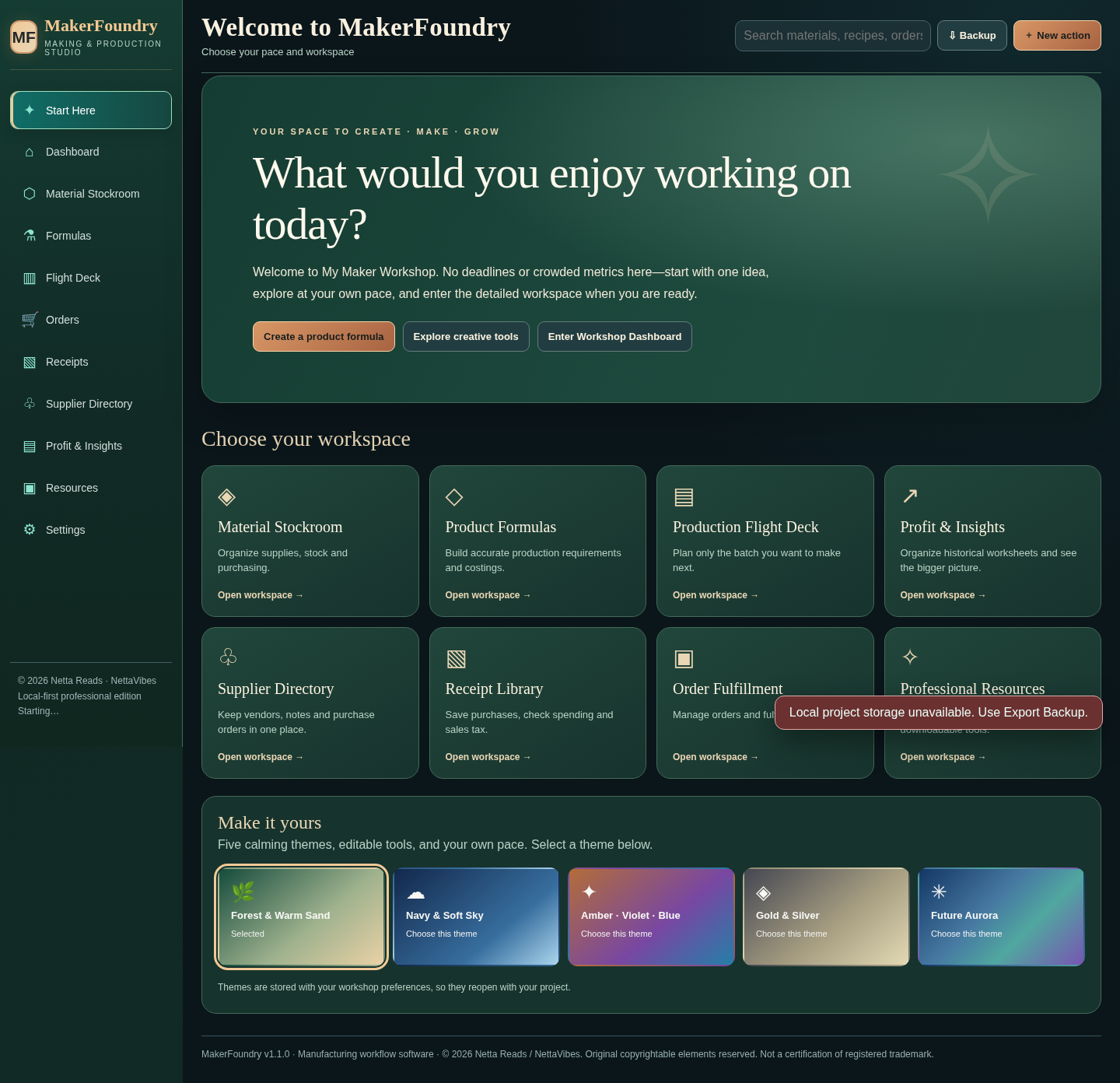
Test on staging before live use · No automatic sync between editionsChoose from Forest & Sand, Navy & Sky, Amber & Violet, Gold & Silver, or Future Aurora. The business responsibilities stay consistent while you choose the visual atmosphere.
BEFORE YOU BUY
Independent handmade sellers, craft brands, boutique production businesses and small-batch workshops that need to organize product components, costs, stock, production and customer orders.
Yes. Both bundled editions include the purpose-built resource library. HTML forms are edited in a browser; Excel workbooks are completed in a compatible spreadsheet application.
No. The two editions are independent. Keep secure backup copies and use the available import/export functions where supported.
No. It supports planning and recordkeeping. It does not file taxes, issue official carrier postage, process payments or certify regulated manufacturing records.
Once the product is released for sale, WooCommerce provides authorized customer access to its downloadable ZIP editions. Installation steps are included with the packages.
PREPARE TODAY. GROW WITH MORE CLARITY.
MakerFoundry brings practical software and 60 specialized supporting tools together, so your next decision can be informed by clearer records.
Browser-dependent image recognition must be reviewed; complex multi-sheet spreadsheet imports have limitations. MakerFoundry is not a tax, banking, regulatory compliance or carrier shipping platform. Review current software terms and keep backups.
For product questions, contact info@nettavibes.com.